
Photo Restoration
Pricing
Pricing depends on the condition of the photograph as well as the number of photos to be restored.
Pricing starts at $35 which may apply to a single photo or more depending on level of restoration required.
Pricing may include one or more of the following services …
Additional Services
Scanning , Enlarging , Prints (custom sizing), Postcard, foldable card + envelope)
Digital Upload Form
Additional Information.
Physical Prints
Physical drop off or pick up – call … 905 391-7552 … to determine if this is the best option.
Studio located in the South Durham area Ajax by the lake.
Send Digital Photos using Email
Max size using Email to send photos:
-
-
- GMail or Yahoo – up to 25MB in attachments.
- Outlook – upto 20MB in attachments.
-
How to determine the size of your digital photo:
Note: It’s not necessary to know the size of the photo you are sending if the image is to remain as a digital image for viewing on a mobile or computer only. But should you want a print of the image, then knowing the pixel count as it pertains to the width and height of the image will enable you to calculate the maximum print size of the image (assuming the image is in sharp focus in the first place).
Using the Computer (there are two methods)
-
- With the folder view displayed showing all the photos in particular folder:
- Using the mouse – simply hover over the photo to generate a popup screen that will provide you with the size of the photo in pixels (width x height), as well as the amount of space it consumes on your device shown as .. kB, MB or GB.
- or
- Using the mouse – right click on the photo and select … Properties. Right it takes you to the … General … tab to show you how large the photo is in kB, MB or GB.
- Note: If you also want to view the pixel count go to the … Details … tab (at the top of the popup screen) and scroll down until it shows you this information.
- Using the mouse – simply hover over the photo to generate a popup screen that will provide you with the size of the photo in pixels (width x height), as well as the amount of space it consumes on your device shown as .. kB, MB or GB.
- With the folder view displayed showing all the photos in particular folder:
Using your Mobile (Android) device
-
- Go to your Picture Gallery … on your mobile device.
- Find the picture you want to send – Press once on the picture (to fill the screen), then click on the 3 dots (located in the top right corner), and select … Details.
- A popup screen will provide you with the size of the photo in pixels (width x height), as well as the amount of space it consumes on your device shown as .. kB, MB or GB.
Restoration Gallery
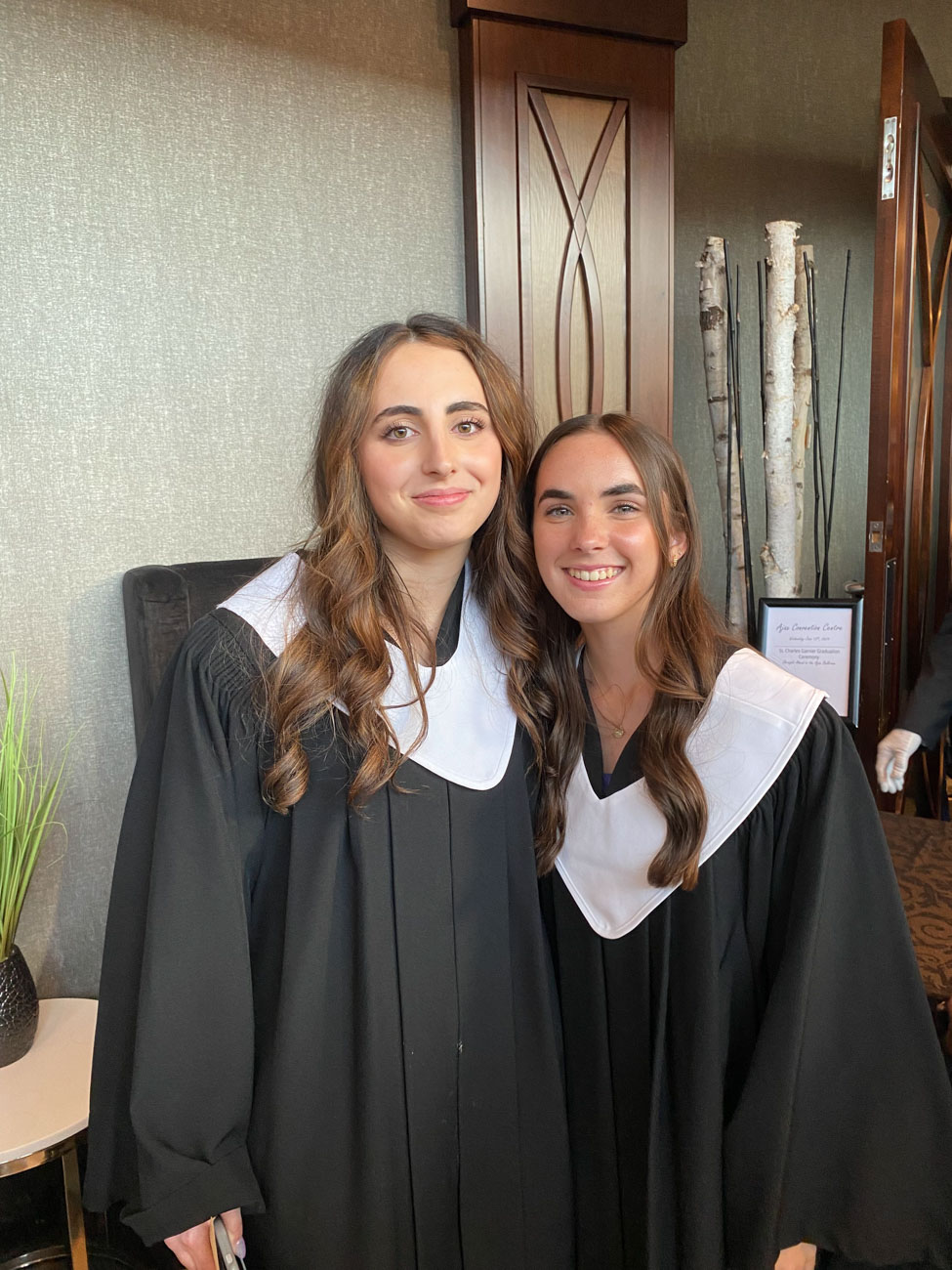
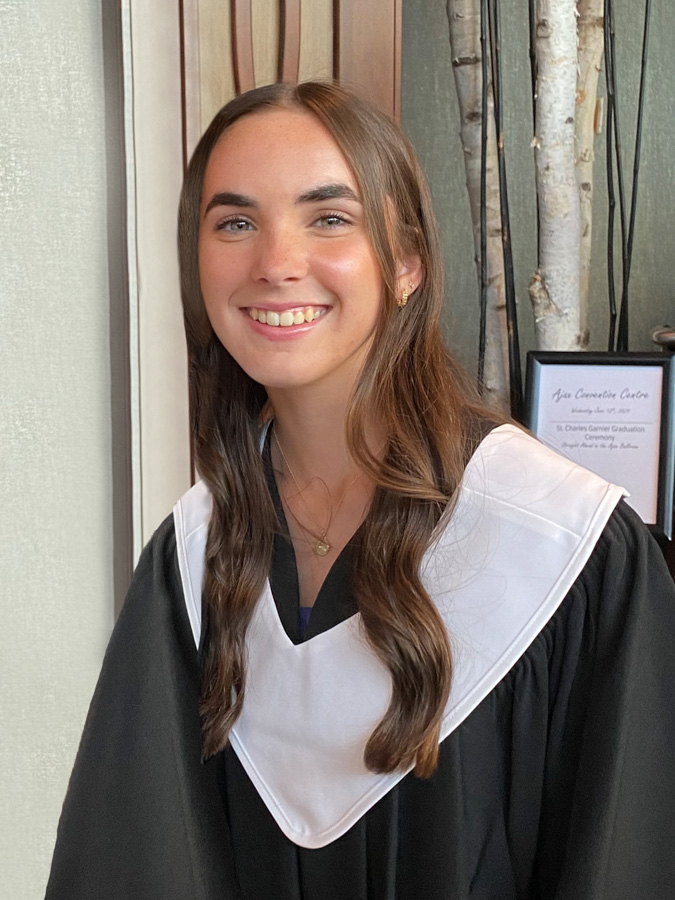
Forgot to snap a graduation photo of their daughter by herself during all the excitement. Asked if it was possible to create a standalone photo from the one emailed to me on the left. Photoshop was used to create the requested photo on the right.

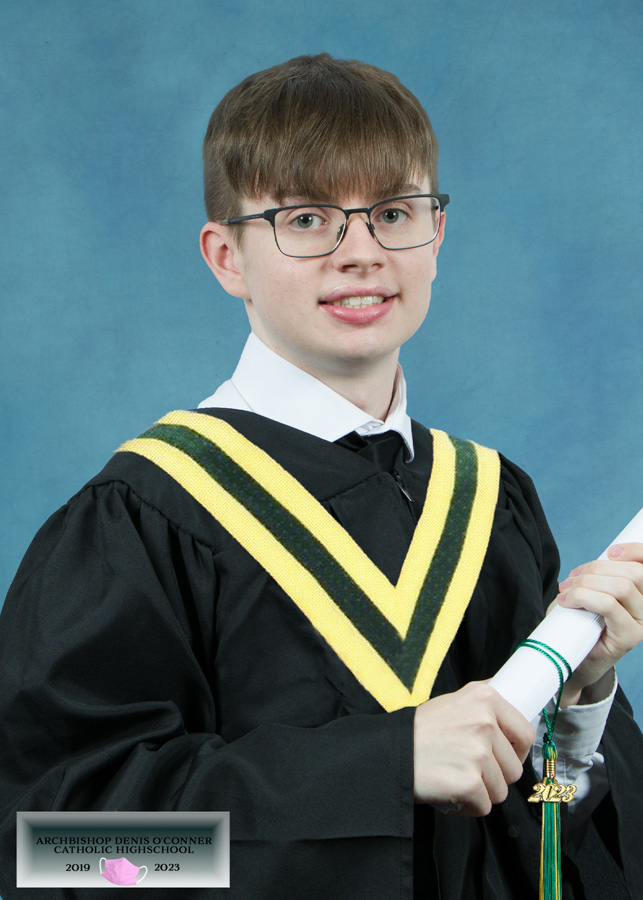
Parent was not happy with the way the son looked in the graduation photo, and asked me if I would take a picture in my studio. The picture on the left is the studio shot with a rented gown from the school. After the studio session I used Photoshop to create a sash similar to the one shown in the original school photo, then added in a templated backdrop, as well as a corner label with the school name, date and a little pic to remember the global event that took place when attending school.
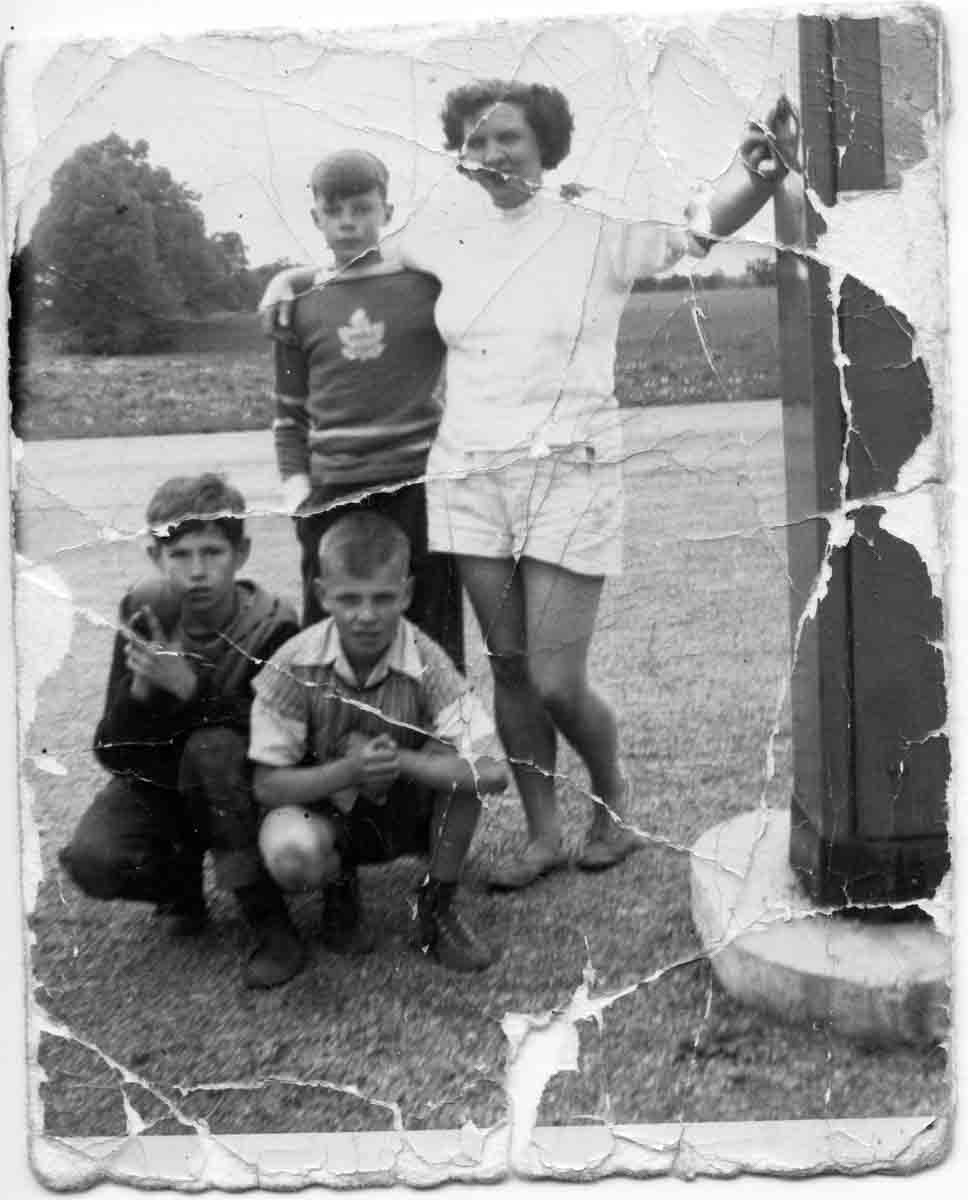
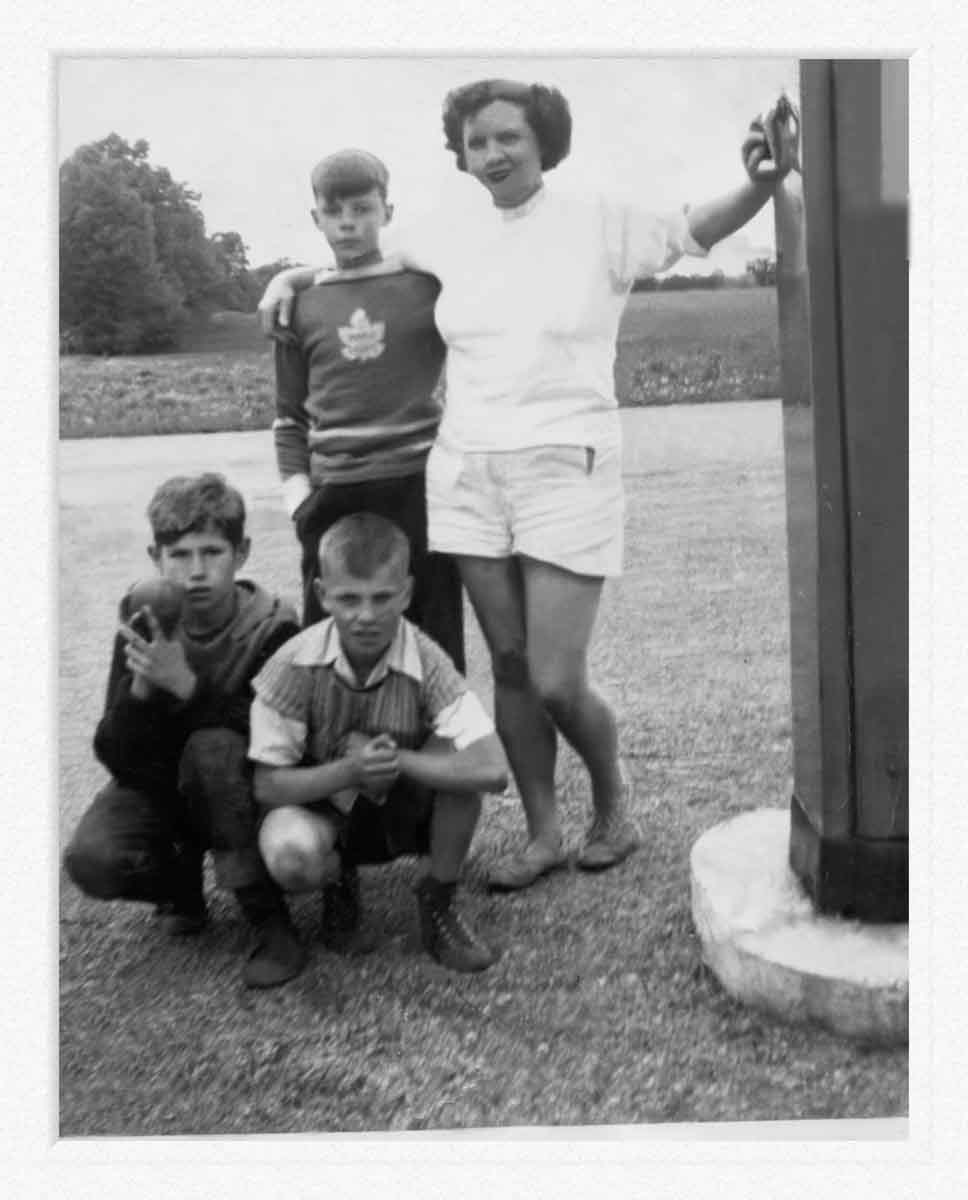
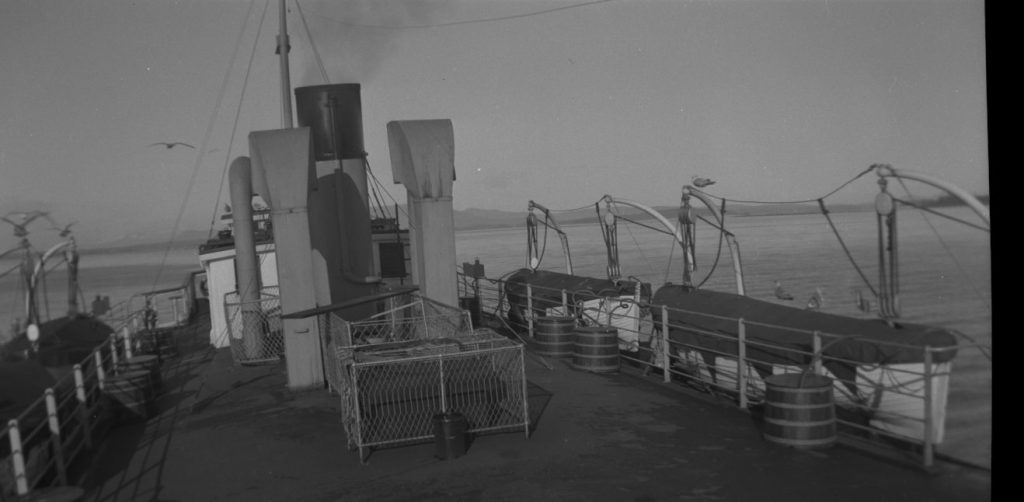
Restoration of 1940’s family photo using Photoshop.
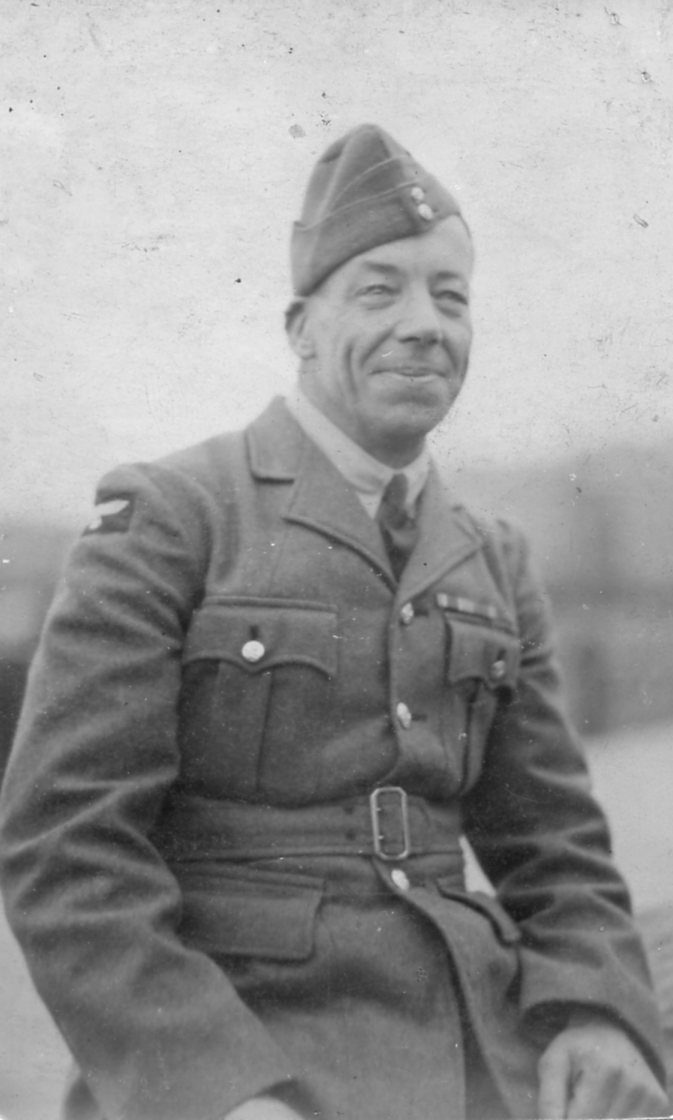
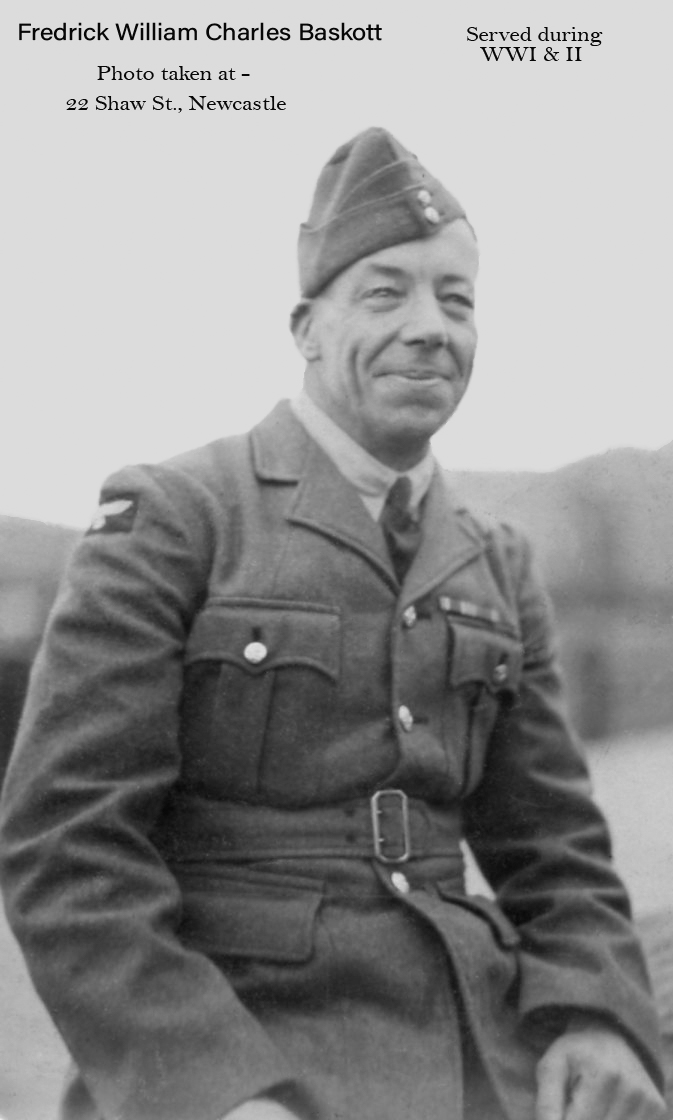
Name and location of where the soldier’s picture was taken have been placed at the top of the photo. (these details were written on the back of the photo).
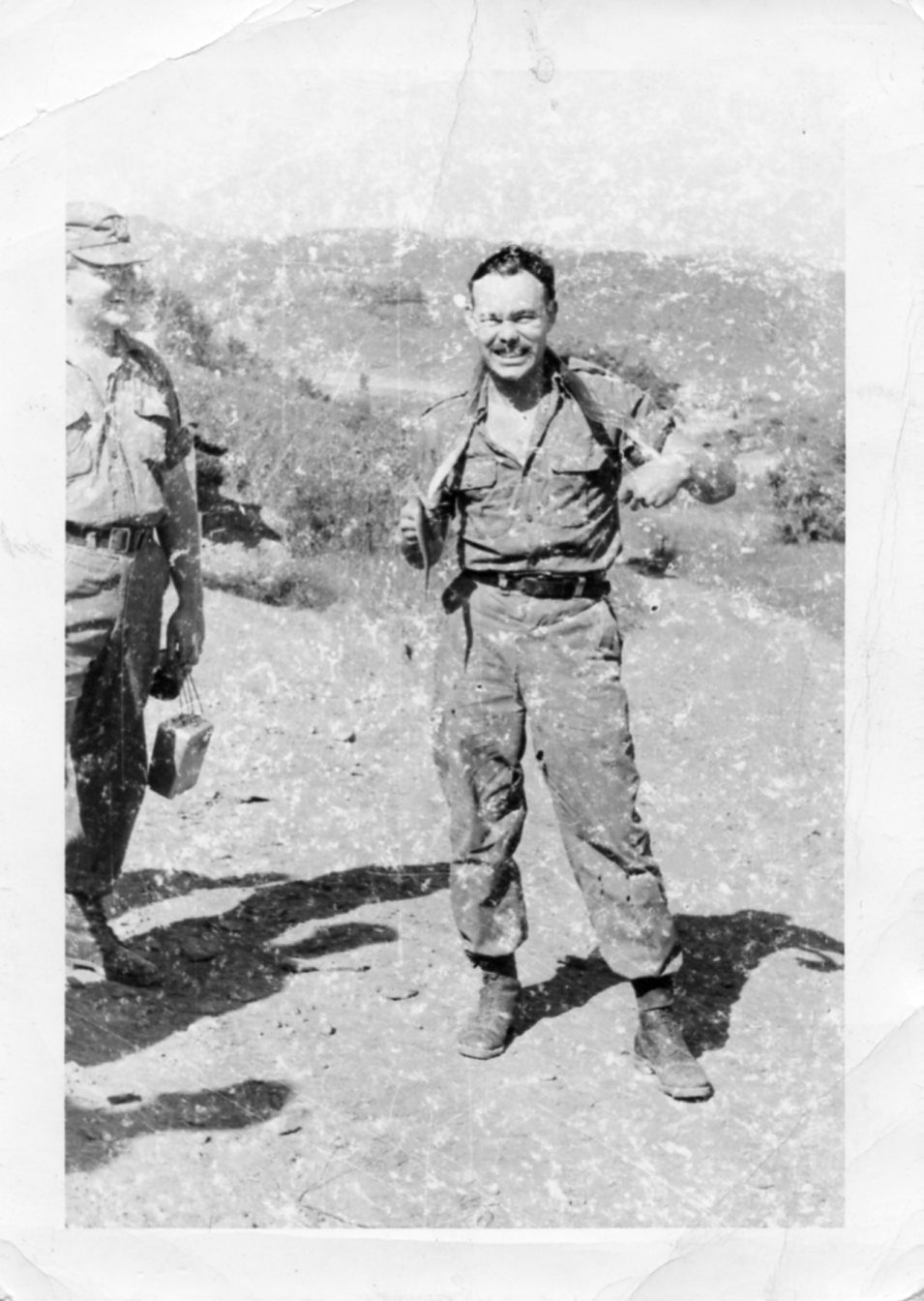
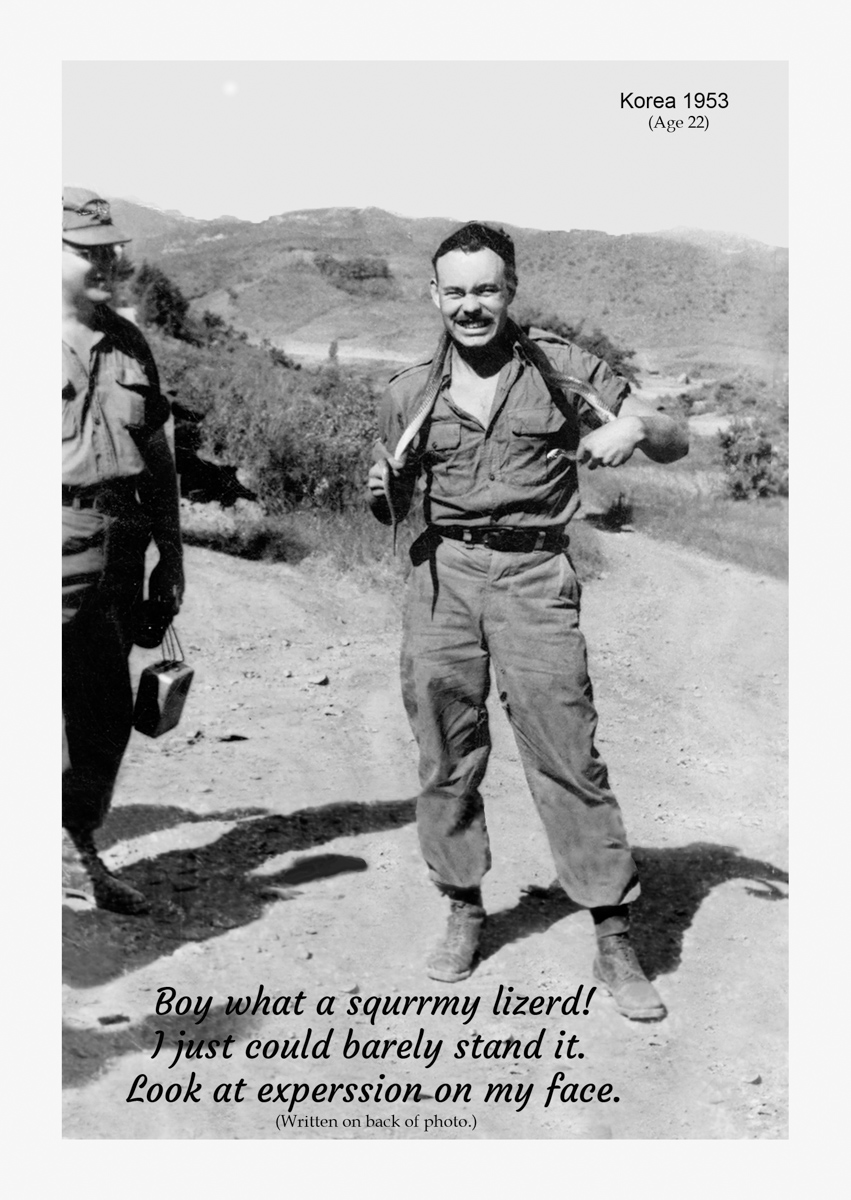
The text at the botoom was written on the back of the original photo.
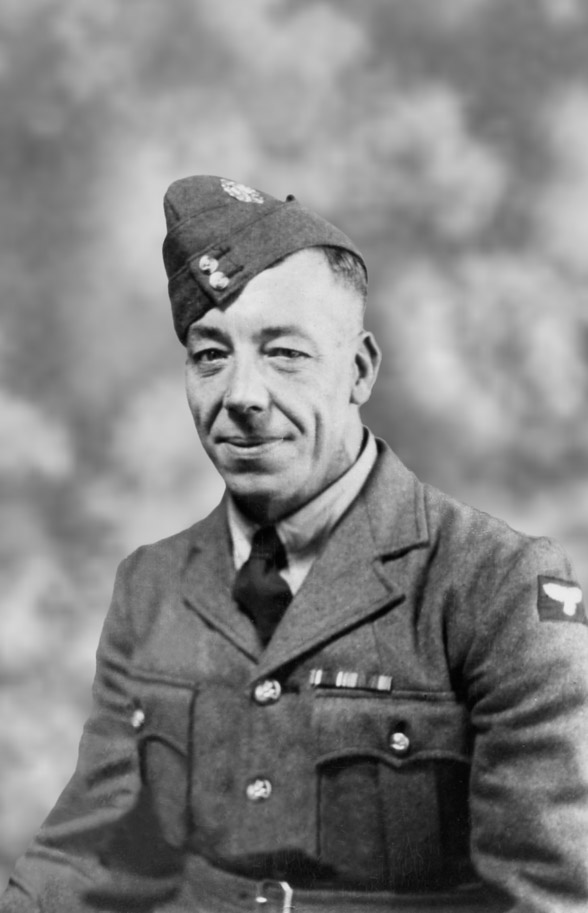
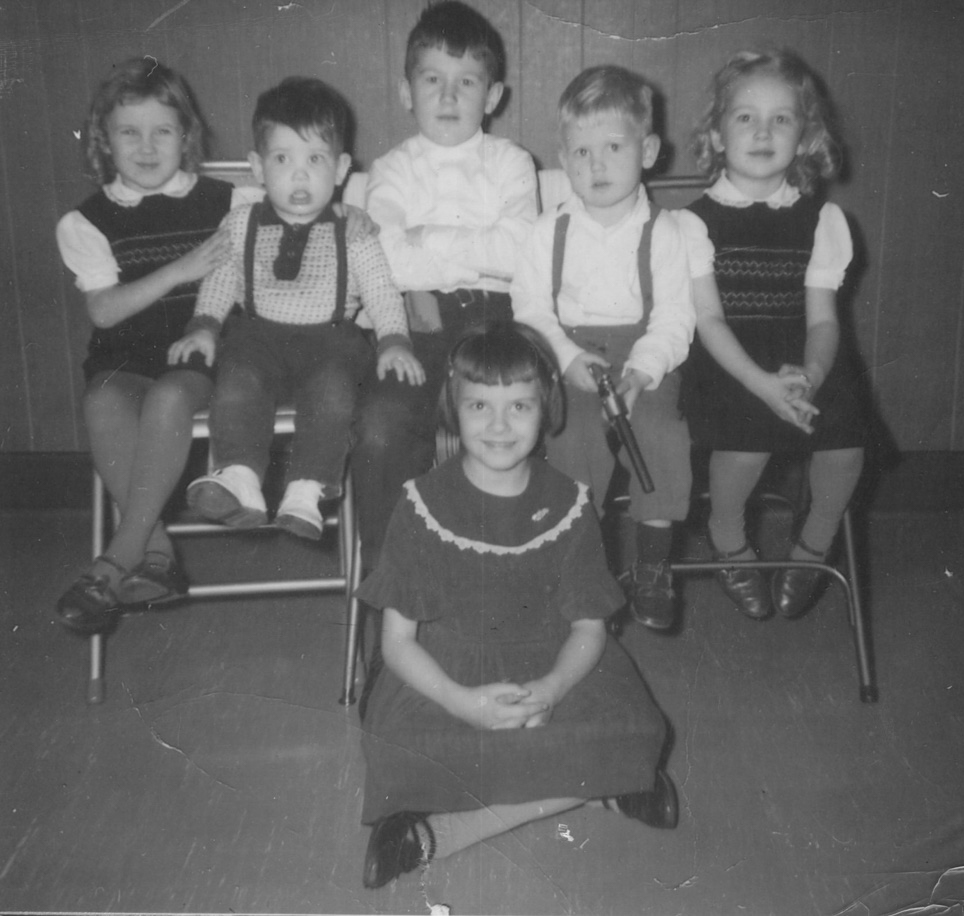
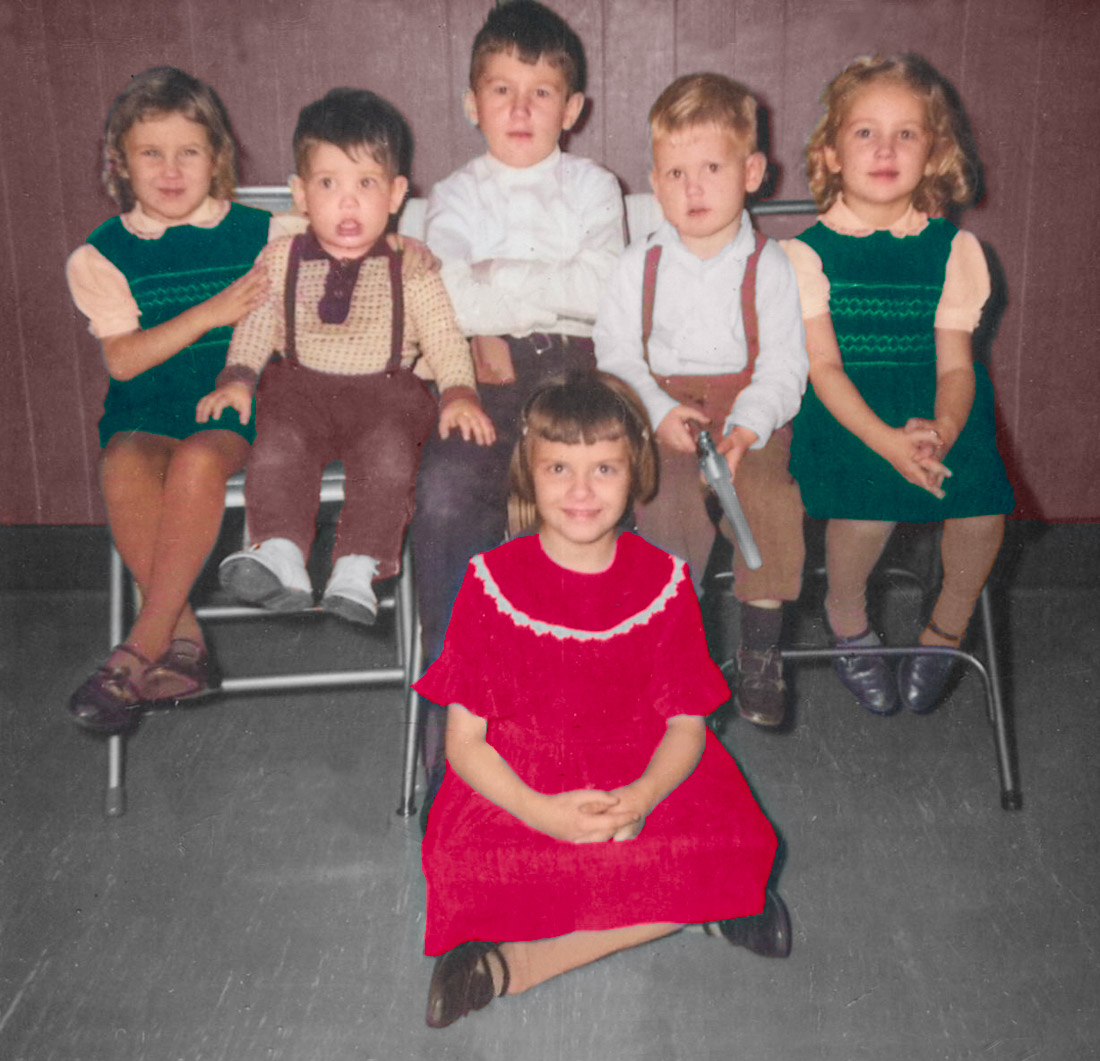
Old black and white, restored and changed to color, based on client’s memory.
Leave A Comment